 IP
IP


192.168.7.1 Login Password & Settings
When the login page appears, enter the username and password shown on the device label or in the manual. If you receive an error message, the credentials may have been changed previously, and you will need to use the updated password.
- January 16, 2026
- Resources

192.168.1.1 How to reset the router password?
Set the router management password: a) Open the browser, enter 192.168.1.1 (the IP address of the router), enter the router account and password (see the label or manual on the router box); b) Expand the “system tools” and clic
- December 18, 2024
- Popular
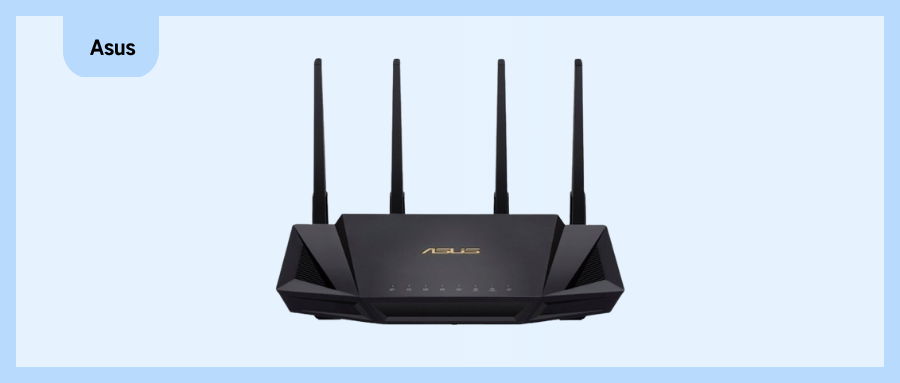


How to Recover router account and password?
Factory reset If you have forgotten the changed password or username, you can reset the router. The default login and password will be restored by restoring the device to its original manufacturer settings. The reset button on most
- January 19, 2023
- Popular


